From finding to handover
How Serche works
Buy, list, sell directly to Serche or pawn an item. Choose the path that fits you.
01 / Your next chapter
Buy a pre-owned find
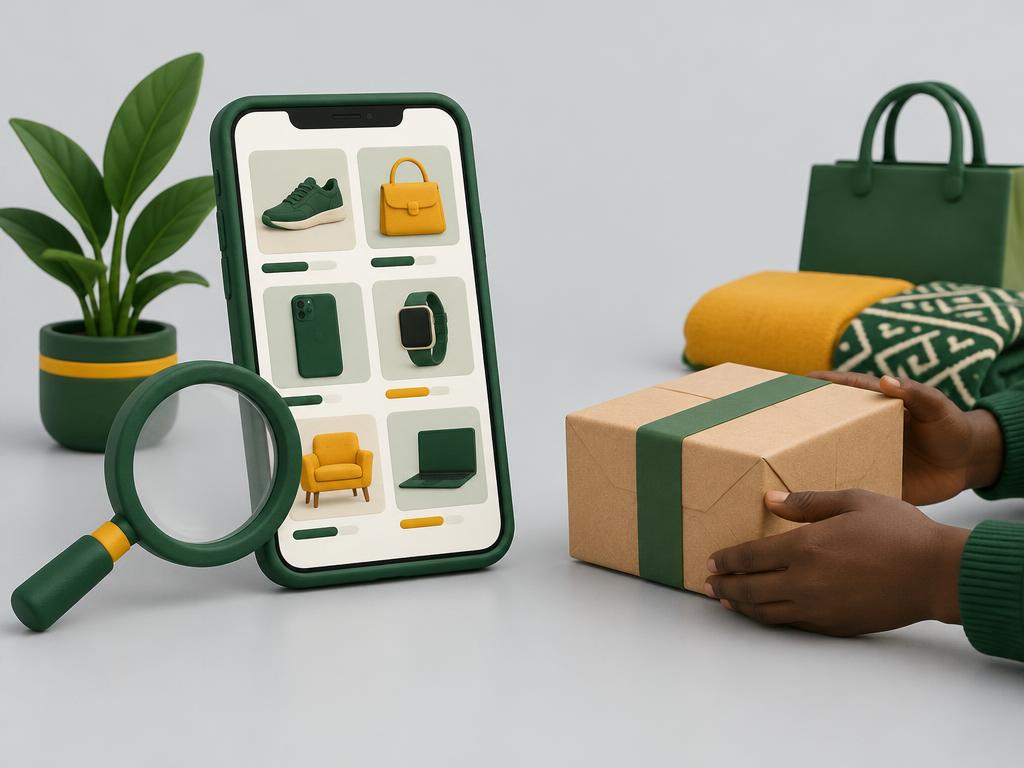
Illustrative scene.
Find your item
Browse listings, filter your search or describe what you need in Find it for me. Review photos, condition and the seller’s description.
Agree and check out
Create an account or sign in. Message the seller, make an offer where available, or buy at the listed price. Protected checkout shows a 3% buyer protection fee, capped at ₦3,000, before payment through Paystack.
Inspect, then confirm receipt
Arrange delivery or collection with the seller. Payment stays held until receipt is confirmed. Only give the seller your delivery code once you have received and checked the item.
02 / Your next chapter
Sell on the marketplace
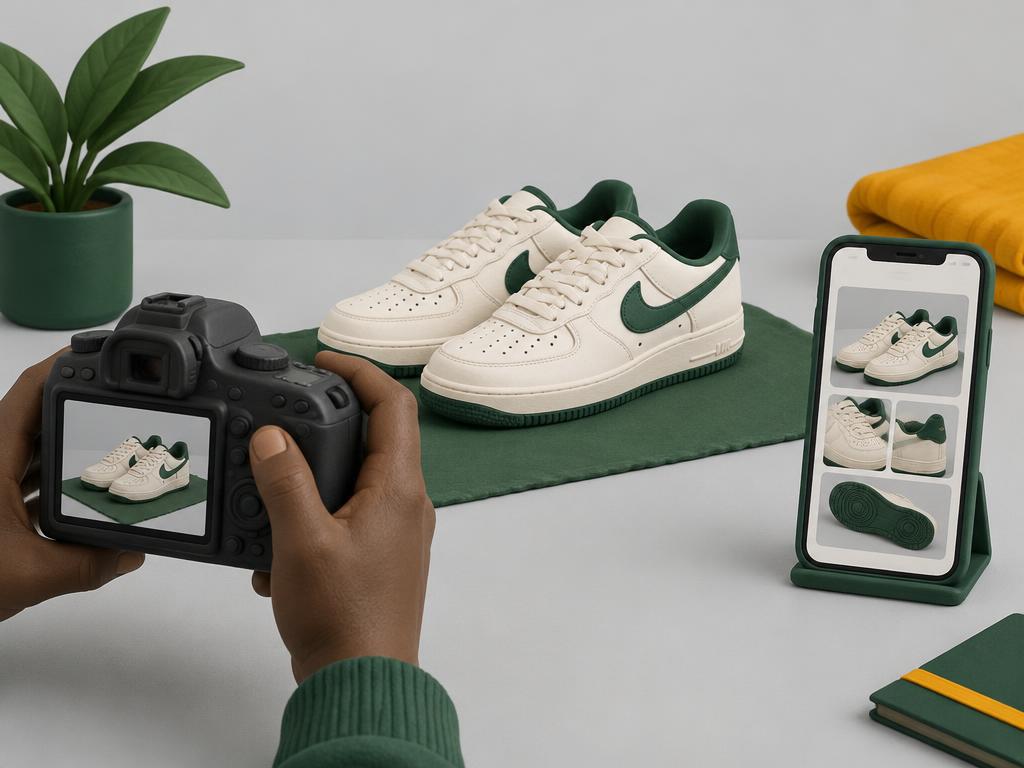
Illustrative scene.
Create your free listing
Sign in, add photos of the actual item and describe its condition, defects, price and location. Standard listings cost nothing.
Talk to your buyer
Respond to messages and offers, then agree on delivery or collection. Keep payment on Serche to use protected checkout.
Complete the handover
Enter the buyer’s delivery code after they receive and inspect the item. Your full item price goes to your Serche wallet; bank withdrawals are requests processed by staff.
03 / Your next chapter
Sell directly to Serche

Illustrative scene.
Request an estimate
Sign in, choose Request a cash offer, and describe the item with photos. This is a request, not a guaranteed or instant offer.
Review and inspection
Serche staff review your request and may ask for more details or arrange an inspection.
Review the offer
Confirm the final price and handover terms with staff before completing the sale. Final approval and payment require staff handling.
04 / Your next chapter
Pawn a valuable item
Illustrative scene.
Apply for a pawn loan
Describe the asset, add photos, and request up to ₦10,000,000 over 1 to 6 months. Your own value estimate is unverified.
Agree to inspection
Confirm you own the asset and consent to inspection and verification. We never ask for BVN, NIN or ID uploads in this form.
Wait for review
Serche staff review, inspect and verify every application. Submitting is not approval: no loan, interest rate or repayment terms are set, and no money moves until Serche is legally and operationally ready.
If something goes wrong
If an order is not right, request a refund from the order page while payment is still held, before sharing your delivery code. Approved refunds go through Paystack to the original payment method, including the protection fee, and are only shown as refunded after provider confirmation. A declined request leaves the funds held for review.
Pawn & Sell is review-only for now: no loans are issued and no offers are automatic. No pickup service is offered for pawn or direct-sale requests.